
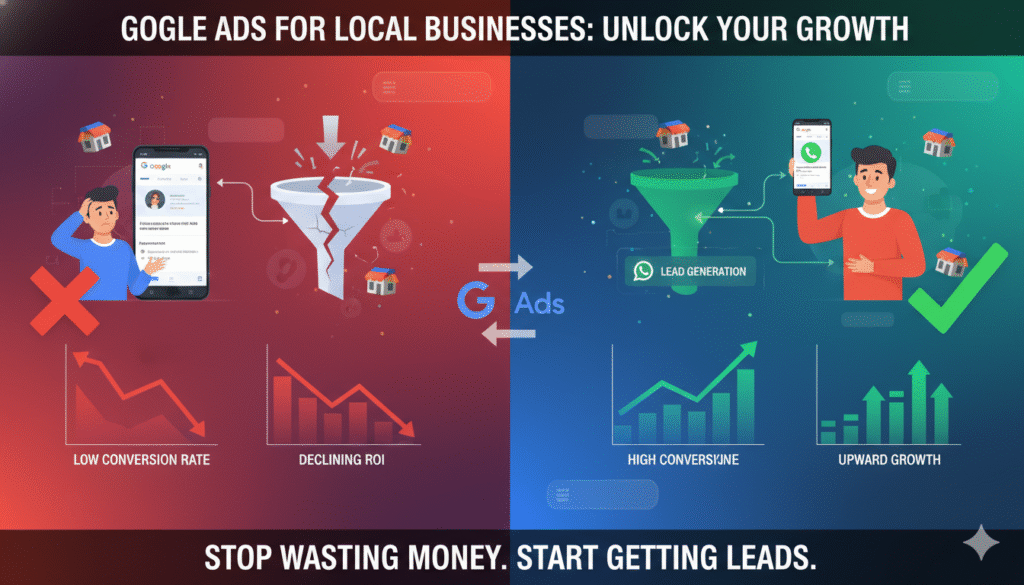
Why Google Ads Fail for Local Businesses (And How to Fix Them in 2026)
Google Ads promise fast visibility and immediate leads. Yet many local businesses run ads for weeks—or months—and still say the same thing:
“We’re getting clicks, but it’s not working.”
In most cases, Google Ads don’t fail because the platform is broken. They fail because the strategy behind them is incomplete.
In 2026, successful Google Ads for local businesses require intent targeting, conversion optimization, and proper tracking, not just budgets and keywords. Let’s break down why Google Ads fail—and how to fix them.
1. Targeting the Wrong Keywords
One of the biggest reasons Google Ads fail is poor keyword selection.
Many local businesses target:
- Very broad keywords
- Informational search terms
- Keywords with no buying intent
For example, bidding on “digital marketing” instead of “digital marketing agency in Bhubaneswar” attracts clicks—but not customers.
How to fix it
Focus on:
- Location-based keywords
- Service-specific terms
- “Near me” and intent-driven searches
High intent beats high volume every time.
2. Sending Traffic to the Wrong Landing Page
Even perfectly targeted ads fail if they send users to:
- A generic homepage
- A slow-loading page
- A page with no clear CTA
Users who click ads expect immediate clarity. If they don’t see what they’re looking for within seconds, they leave.
How to fix it
- Create dedicated landing pages
- Match page content with ad intent
- Add strong CTAs like Call Now or WhatsApp Us
- Optimize for mobile first
3. No Conversion Tracking (Flying Blind)
Many businesses judge Google Ads by impressions and clicks because they aren’t tracking real conversions.
Without tracking:
- You don’t know which ads generate leads
- You can’t optimize properly
- Money gets wasted
How to fix it
Track:
- Phone calls
- WhatsApp clicks
- Form submissions
- Appointment bookings
When Google knows what a “lead” is, it optimizes better.
4. Ignoring Local Signals
Local businesses often forget that location matters deeply.
Common mistakes include:
- Not using location extensions
- Not connecting Google Business Profile
- Running ads too broadly
This reduces trust and lowers conversion rates.
How to fix it
- Use location extensions
- Connect your Google Business Profile
- Target specific areas where customers actually come from
Local relevance increases both CTR and lead quality.
5. Poor Ad Messaging
Many ads fail because they all sound the same.
Generic messaging like:
- “Best services”
- “Affordable solutions”
- “Trusted experts”
doesn’t convince anyone.
How to fix it
Write ads that:
- Address real customer problems
- Highlight local relevance
- Offer clear next steps
Specific messaging converts better than vague promises.
Running ads without regular optimization is a silent killer.
Common issues:
- Same ads running for months
- No keyword pruning
- No negative keywords
- No bid adjustments
How to fix it
- Review campaigns weekly
- Pause non-performing keywords
- Add negative keywords
- Test new ad variations regularly
Optimization is not optional—it’s essential.
7. No Trust Signals After the Click
Even interested users hesitate if they don’t see trust.
Missing elements include:
- Reviews and testimonials
- Local presence indicators
- Clear contact information
Without trust signals, users click—but don’t convert.
How to fix it
- Display reviews prominently
- Show local address and phone number
- Add testimonials and case studies
Trust shortens the decision-making process.
Final Thoughts
Google Ads don’t fail because they don’t work.
They fail because they’re not aligned with local intent, conversion strategy, and tracking.
In 2026, local businesses succeed with Google Ads when they:
- Target the right keywords
- Use conversion-focused landing pages
- Track real leads
- Optimize continuously
- Build trust instantly
When done right, Google Ads are not an expense—they’re a scalable growth channel.