
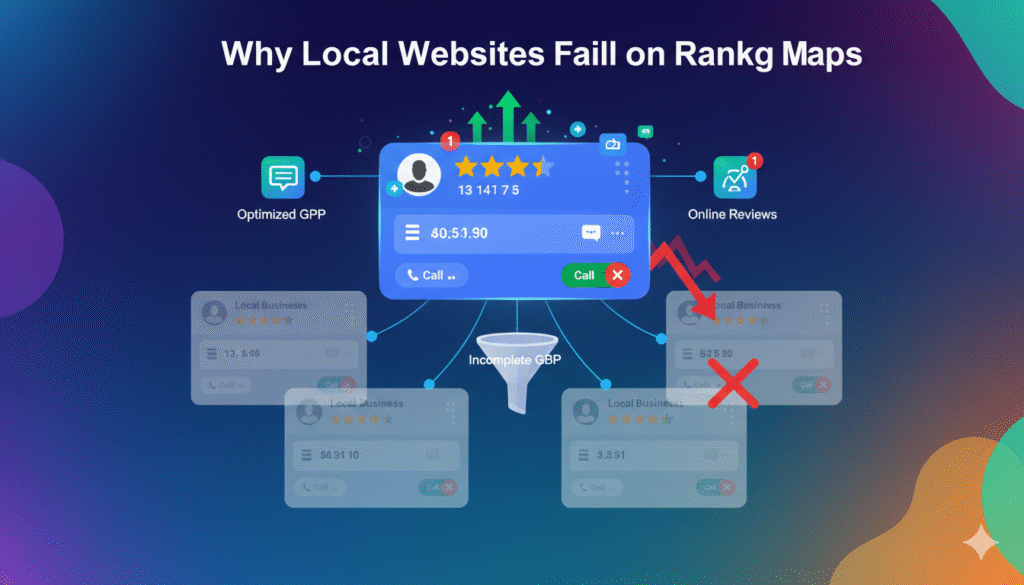
Why Most Local Websites Don’t Rank on Google Maps (And How to Fix It in 2026)
Many local businesses ask the same question:
“Our website looks good, our services are strong—so why don’t we show up on Google Maps?”
In 2026, ranking on Google Maps is no longer automatic. Having a website alone is not enough. Google Maps rankings depend on local relevance, trust signals, and user engagement, not just SEO basics.
Let’s break down why most local websites fail to rank on Google Maps—and what actually works now.
1. Google Maps Rankings Are Not Website Rankings
This is the biggest misunderstanding.
Google Maps rankings are driven primarily by:
- Google Business Profile (GBP)
- Location signals
- Reviews and engagement
- Business consistency
Your website supports Maps—but it does not control it.
If your Google Business Profile is weak, your website alone cannot push you into the Map Pack.
2. Poor or Incorrect Google Business Profile Optimization
Most local businesses create a GBP once—and never touch it again.
Common mistakes:
- Wrong primary category
- Missing secondary services
- Incomplete business information
- No regular updates
Google relies heavily on GBP data to decide who deserves visibility.
Fix it:
- Choose the most accurate primary category
- Add all relevant services
- Keep hours, phone number, and address updated
- Post updates weekly
3. Lack of Reviews (or Poor Review Management)
Reviews are one of the strongest Google Maps ranking factors.
Businesses struggle when they:
- Have very few reviews
- Stop collecting reviews after launch
- Never respond to reviews
Google favors businesses that show active customer interaction.
Fix it:
- Collect reviews consistently
- Respond to every review (positive or negative)
- Encourage service-based reviews, not generic ones
4. Weak Local Signals on the Website
Even though GBP leads Maps rankings, your website still matters.
Problems include:
- No location-specific pages
- Generic service content
- City name missing from key pages
Fix it:
- Create dedicated service + location pages
- Add local keywords naturally
- Embed Google Maps on contact pages
- Align website content with GBP services
5. Inconsistent Business Information Across the Web
Google cross-checks your business data.
If your:
- Name
- Address
- Phone number
are inconsistent across directories, websites, or listings, Google loses trust.
Fix it:
- Maintain NAP consistency everywhere
- Update old or incorrect listings
- Remove duplicate business profiles
Consistency strengthens local authority.
6. Low User Engagement Signals
Google watches how users interact with your listing.
Poor engagement looks like:
- Few calls
- Low direction requests
- No messages
- Short listing views
Low engagement signals = lower visibility.
Fix it:
- Optimize for calls and messages
- Add photos regularly
- Use Google Posts to stay active
- Improve trust and clarity in your listing
7. High Competition, No Differentiation
In competitive cities, many businesses:
- Use the same keywords
- Have similar listings
- Lack unique positioning
Google prioritizes businesses that stand out.
Fix it:
- Highlight specialties
- Use unique service descriptions
- Add real photos instead of stock images
- Show expertise clearly
8. Expecting SEO Alone to Solve Google Maps Rankings
This is where many businesses go wrong.
SEO helps visibility—but Google Maps is its own ecosystem.
Ranking on Maps requires:
- GBP optimization
- Reviews
- Local engagement
- Website alignment
SEO without local optimization will always underperform on Maps.
Final Thoughts
In 2026, Google Maps rankings are earned—not given.
If your local website isn’t ranking on Google Maps, the issue is usually:
- Weak Google Business Profile
- Lack of reviews and engagement
- Poor local relevance
- Inconsistent business data
Fix these, and Google Maps stops being unpredictable—and starts becoming a consistent lead source.