
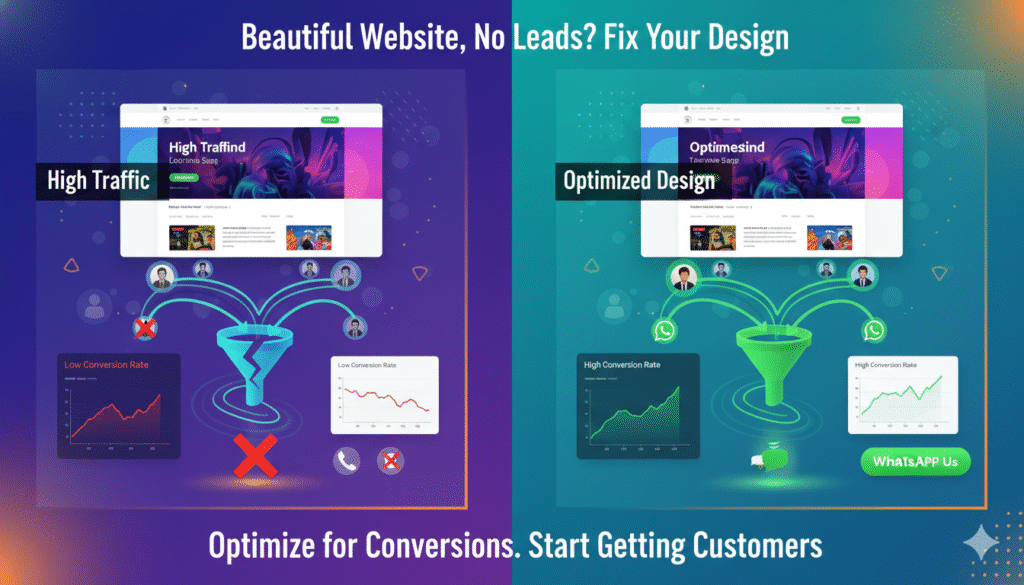
Why Your Website Looks Good but Still Doesn’t Convert Visitors into Leads
Many businesses invest heavily in website design. The site looks modern, animations are smooth, colors are on point—and yet, there’s one big problem:
Visitors come, but leads don’t.
This is one of the most common issues businesses face in 2026. A visually appealing website does not automatically mean a high-converting website. Design attracts attention, but conversion requires strategy.
Let’s break down why good-looking websites often fail to generate leads—and how to fix it.
1. Design Focused on Aesthetics, Not Action
A beautiful website can still leave users confused.
Common problems:
- No clear direction on what to do next
- Too many design elements competing for attention
- Important actions buried below the fold
Visitors should instantly understand:
Who you are, what you offer, and how to contact you.
If they don’t, they leave.
2. Weak or Hidden Call-to-Actions (CTAs)
Many websites rely on generic CTAs like:
- “Learn More”
- “Explore”
- “Discover”
These don’t drive action.
What works better:
- Call Now
- WhatsApp Us
- Get a Free Quote
- Book a Consultation
CTAs should be:
- Visible
- Action-oriented
- Repeated strategically
3. Poor Mobile Experience
In cities like Bhubaneswar, most visitors come from mobile devices.
If your website:
- Loads slowly on mobile
- Has small text or buttons
- Requires too much scrolling
Users abandon it quickly.
A mobile-first experience is no longer optional—it’s essential.
4. Lack of Trust Signals
Design alone doesn’t build trust.
Visitors look for:
- Reviews and testimonials
- Real photos (office, team, work)
- Client logos or case studies
- Clear contact details
Without trust signals, users hesitate to reach out—even if they like the design.
5. Content Talks About the Business, Not the Customer
Many websites focus on:
- “We are the best”
- “We have years of experience”
- “We deliver quality services”
But visitors care about:
- Their problem
- Their solution
- Their outcome
Content should speak directly to user pain points and show how you solve them.
6. Slow Page Speed Kills Interest
A slow website silently kills conversions.
If a page takes more than a few seconds to load:
- Users get frustrated
- Trust drops
- Leads are lost
Speed affects both user experience and conversion rates.
7. Forms That Are Hard to Use
Forms are often overlooked.
Common issues:
- Too many fields
- Unclear submission feedback
- Forms that don’t work properly
Simple, clear forms convert better.
8. No Tracking = No Improvement
Many businesses don’t know:
- Where users drop off
- Which pages convert
- Which CTAs work
Without proper tracking, improving conversions becomes guesswork.
How to Turn a Good-Looking Website into a Lead-Generating One
To improve conversions:
- Simplify navigation
- Add clear CTAs
- Optimize for mobile
- Improve page speed
- Add trust elements
- Track real user actions
Conversion optimization turns design into performance.
Final Thoughts
A good-looking website is just the starting point.
In 2026, successful websites are:
- Clear
- Trustworthy
- Fast
- Conversion-focused
When design and strategy work together, your website stops being just a digital brochure—and starts becoming a lead-generating asset.